Trim a pronunciation recording
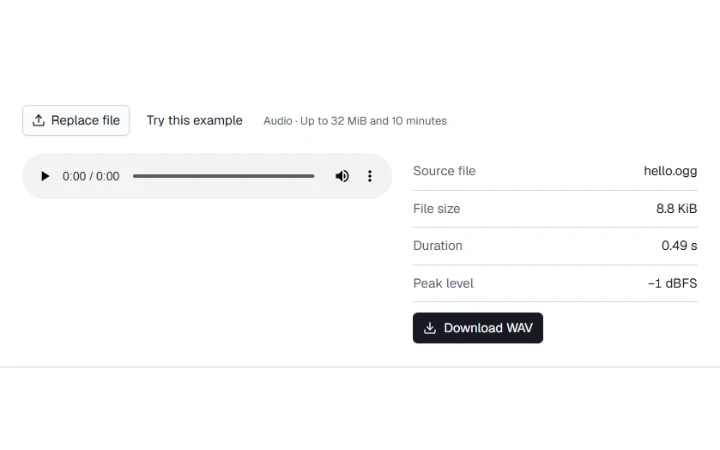
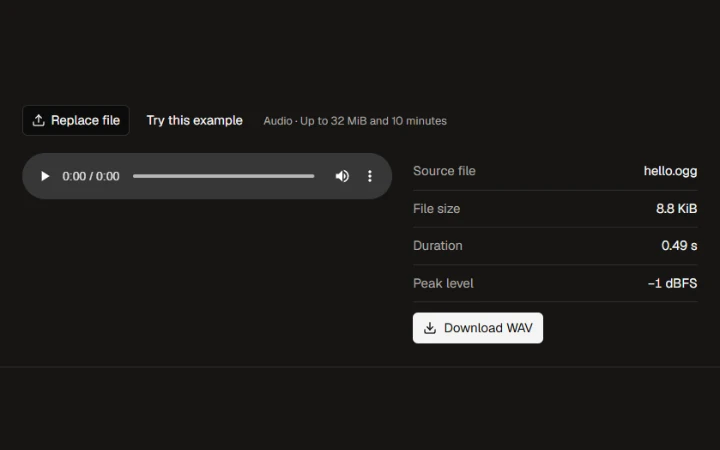
Keep seconds 0.10–0.40 of the recorded word hello to export 0.30 seconds of audio.

Opening workspace…
Listen to the original track.
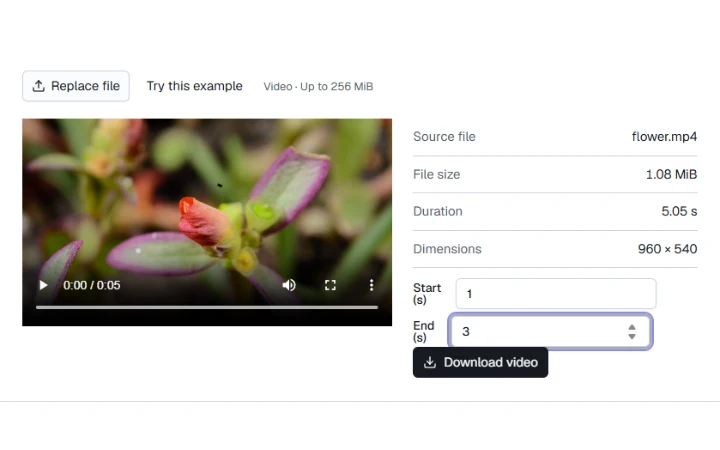
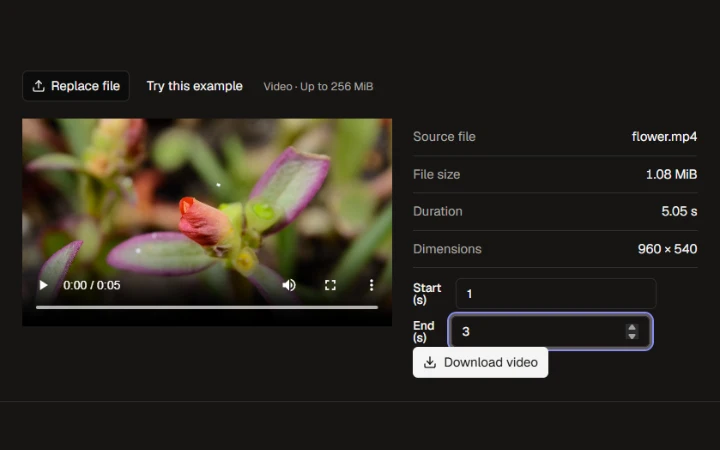
Enter a start and end time in seconds.
Save the selected section as a WAV file.
Keep seconds 0.10–0.40 of the recorded word hello to export 0.30 seconds of audio.
Export uses 16-bit PCM and keeps the decoded sample rate.
More ways to work with files. Free to use in your browser.