Send a single page
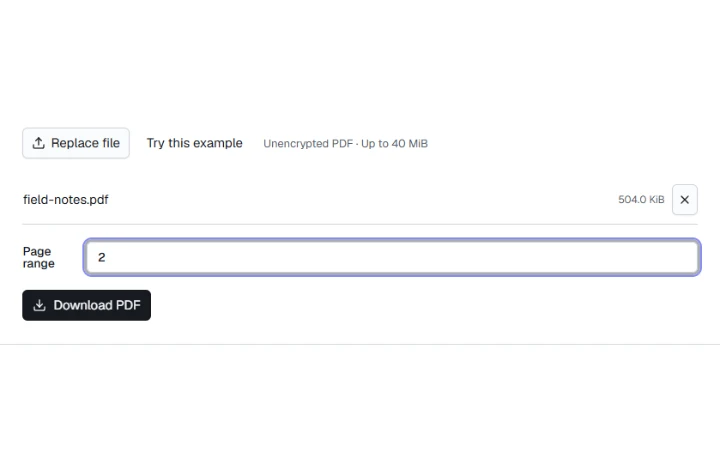
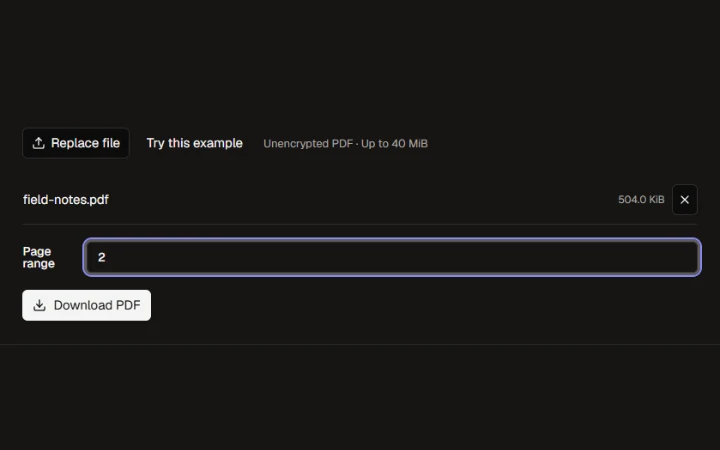
Enter 2 to share only the cherry photograph page from the field notes.

Opening workspace…
Open the document you need.
Enter page numbers or ranges in the order you want, for example 3, 1-2.
Save only the selected pages.
Enter 2 to share only the cherry photograph page from the field notes.
Enter page numbers or ranges in the order you want, for example 3, 1-2.
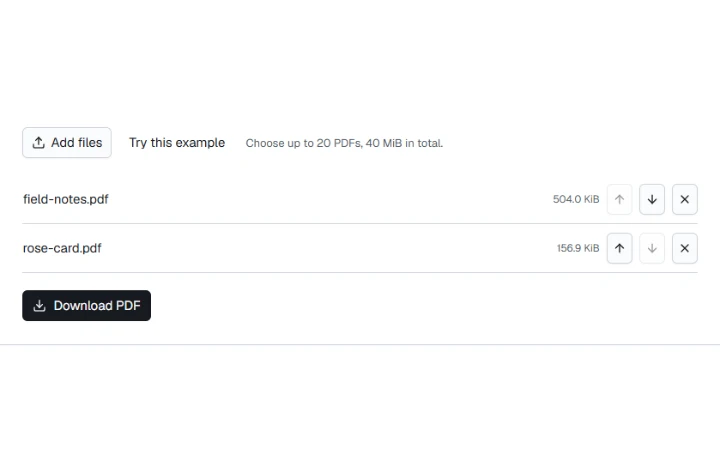
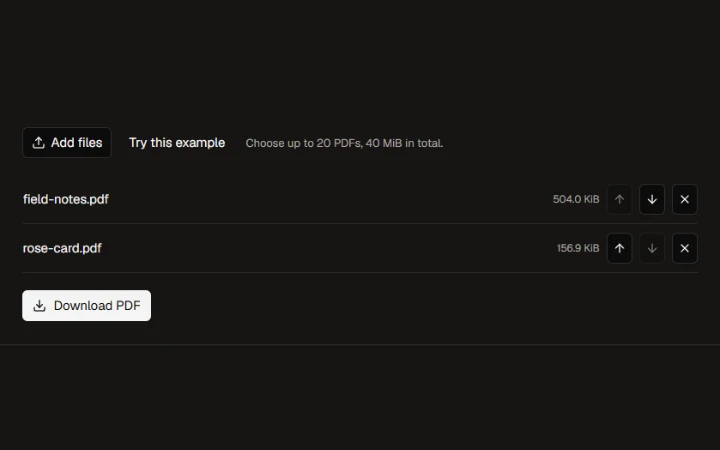
Wild cherry photograph by Benjamin Gimmel. Photo and resized or re-encoded examples licensed under CC BY-SA 3.0.
Yellow Rose photograph by Jon Sullivan. Public domain.
More ways to work with files. Free to use in your browser.