Verify a downloaded photograph
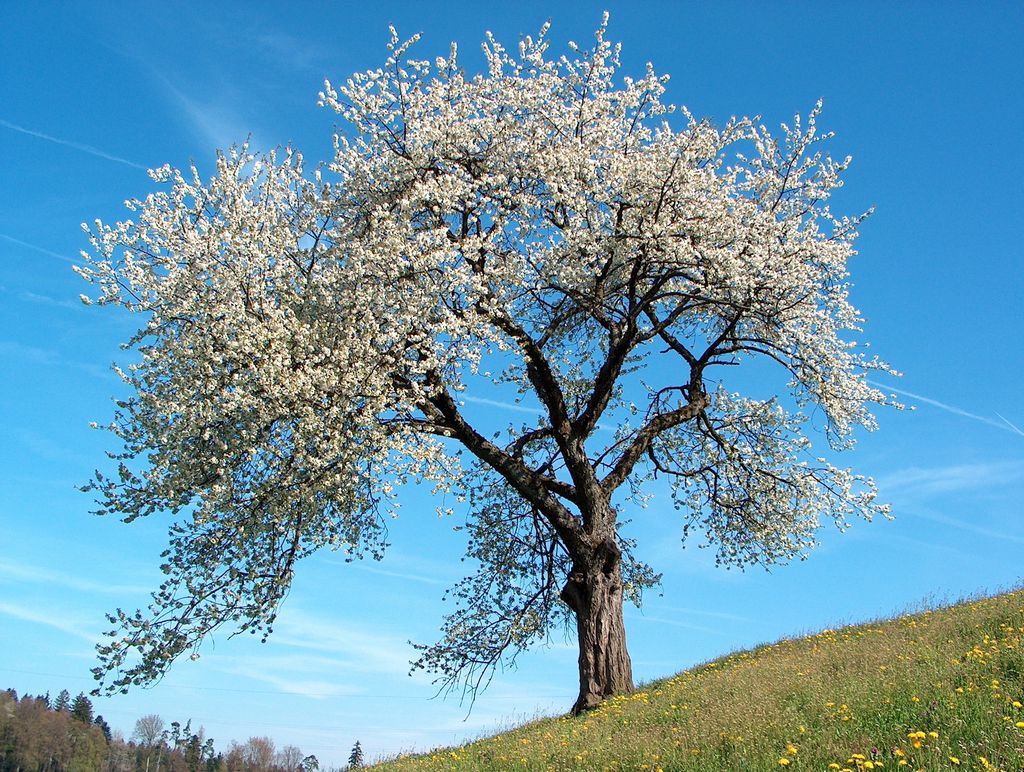
Download the article photo and run it through the file hash tool. Paste this digest to verify the exact file you received.
Download cherry-blossom.jpg5c734b26f04c8317c18e0b6c41fc940a97f8ef76ab46576d692b8a05d1de8107
Choose a file to calculate its SHA-256 digest and compare it with a known hash.
Opening workspace…
Choose or drop the file you want to check.
The tool reads chunks locally and displays its progress.
Paste the expected 64-character digest from a trusted source.
Copy the digest or download it as a text file.
Download the article photo and run it through the file hash tool. Paste this digest to verify the exact file you received.
Download cherry-blossom.jpg5c734b26f04c8317c18e0b6c41fc940a97f8ef76ab46576d692b8a05d1de8107Check the downloaded recording against the digest of its original bytes.
En-us-hello.oggade8485f1cfd454e27ec1bb93cc0234d3187b2507230f72e96f46ac686e82972The browser reads your file in chunks. Compare the 64-character hexadecimal result with a digest from a source you trust.
Wild cherry photograph by Benjamin Gimmel. Photo and resized or re-encoded examples licensed under CC BY-SA 3.0.
More ways to work with files. Free to use in your browser.