Make a photo booklet
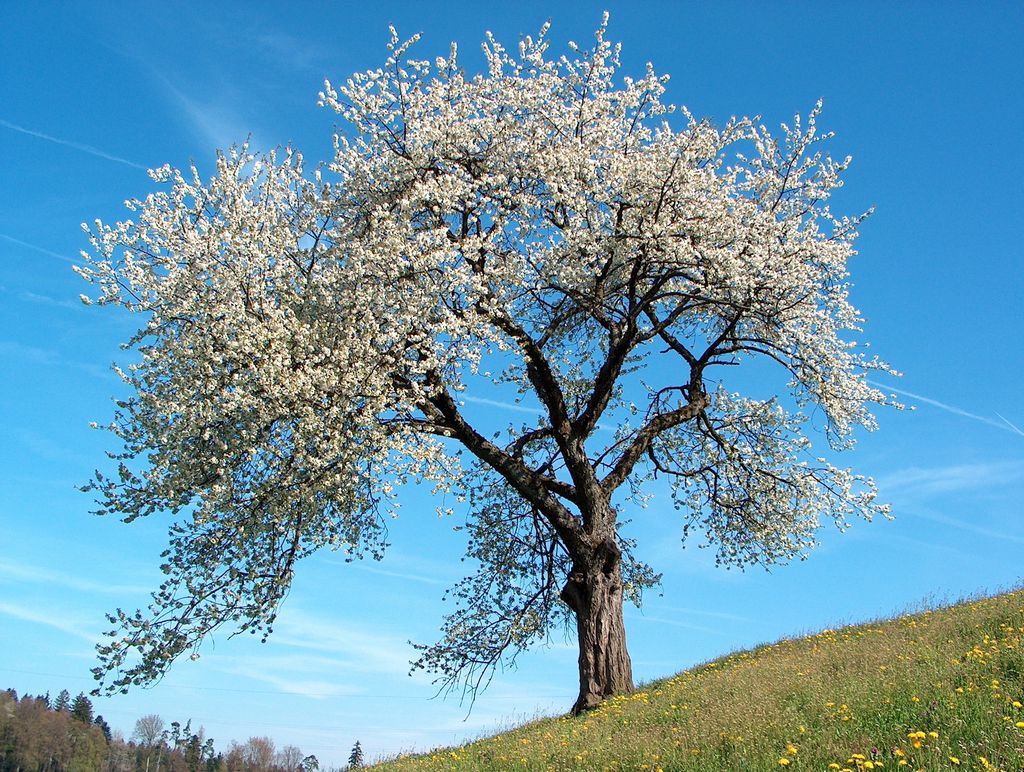
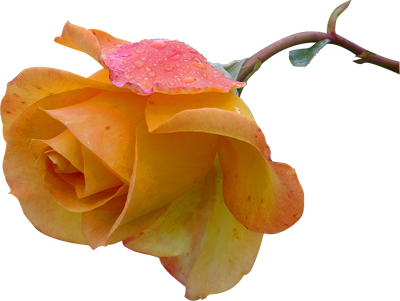
Put the cherry photograph and transparent rose on two A4 pages, with a 10 mm margin.

Images up to 100 MB each.
Arrange images into a PDF with one image on each page.
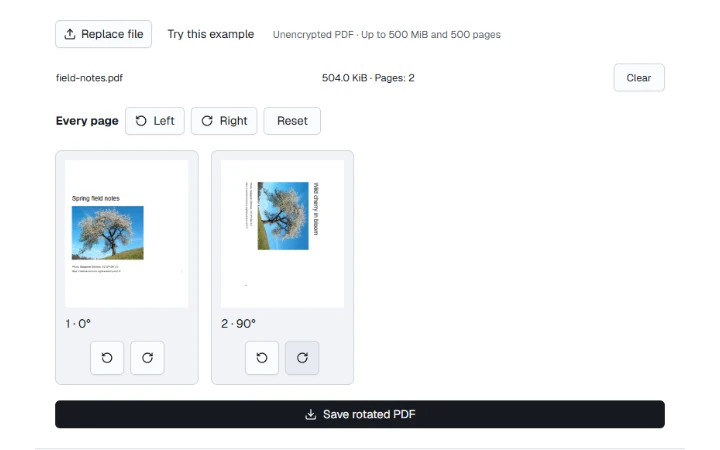
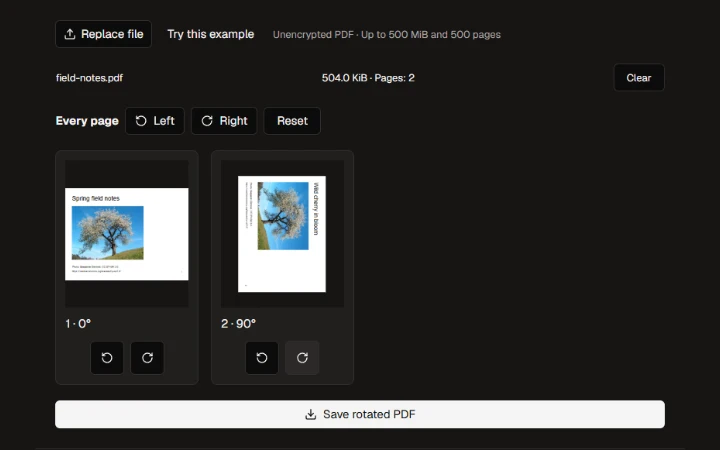
Choose a paper size, orientation and margin. Reorder or rotate images before making the PDF.
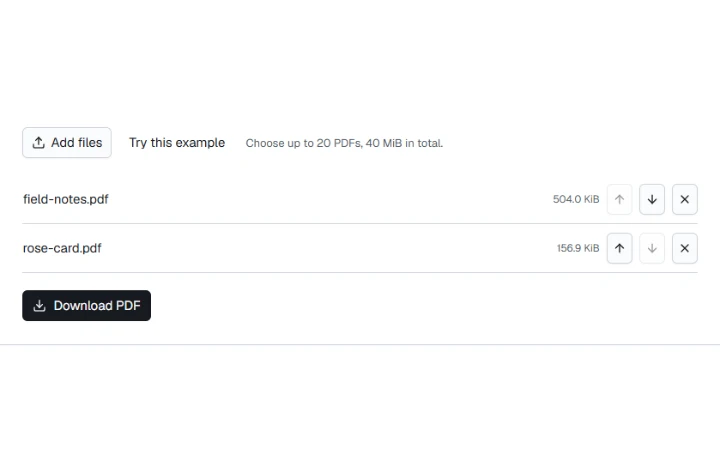
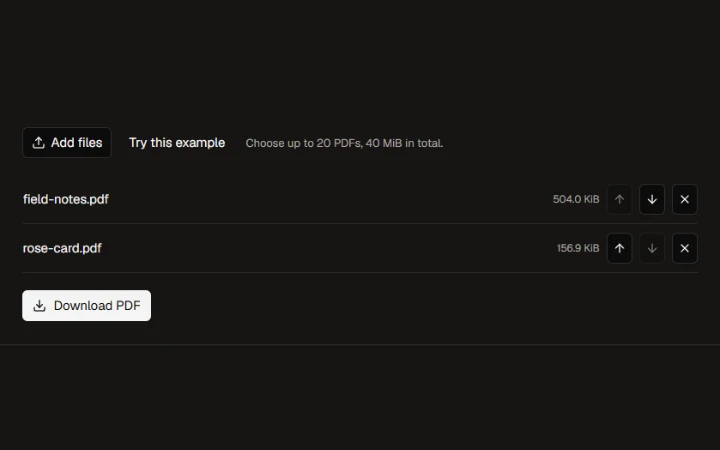
Move each image up or down, or drag it into place.
Name the file and download the PDF.
Put the cherry photograph and transparent rose on two A4 pages, with a 10 mm margin.
Choose a paper size, orientation and margin. Reorder or rotate images before making the PDF.
Wild cherry photograph by Benjamin Gimmel. Photo and resized or re-encoded examples licensed under CC BY-SA 3.0.
Yellow Rose photograph by Jon Sullivan. Public domain.
More ways to work with files. Free to use in your browser.