Put a flower cutout on a pale blue background
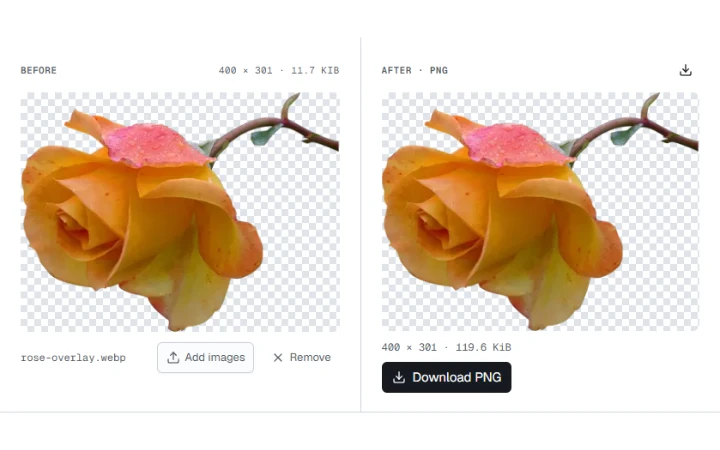
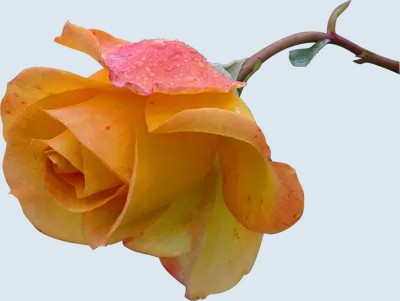
Fill the transparent pixels with pale blue and save a JPG at 90% quality.

Convert WebP images to JPG and choose how to fill transparent areas.
WebP · Images up to 100 MB each.
Select one or more images to convert.
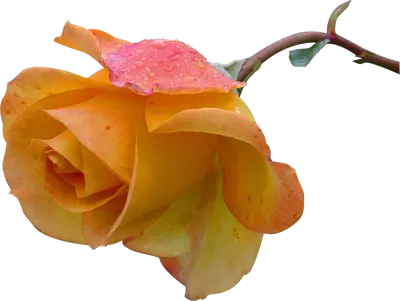
White fills transparent areas by default. The JPG keeps the original pixel dimensions.
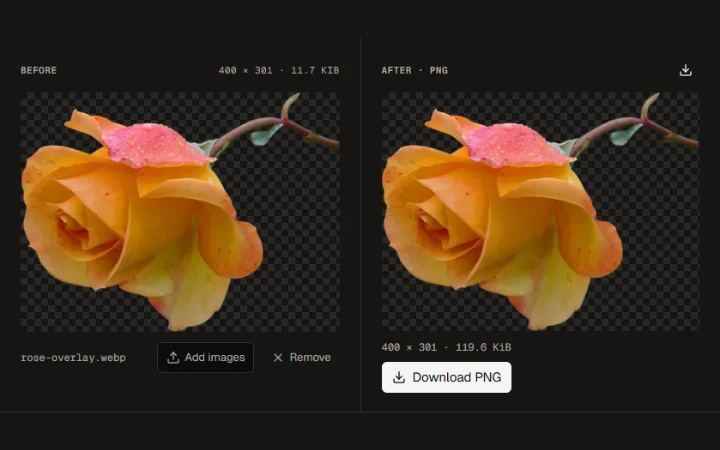
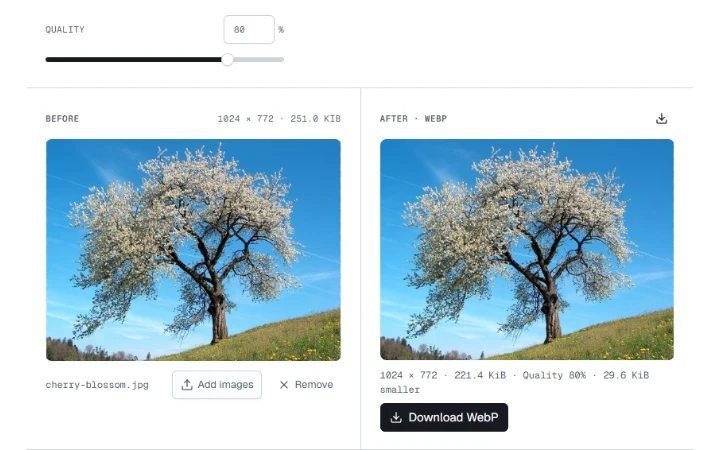
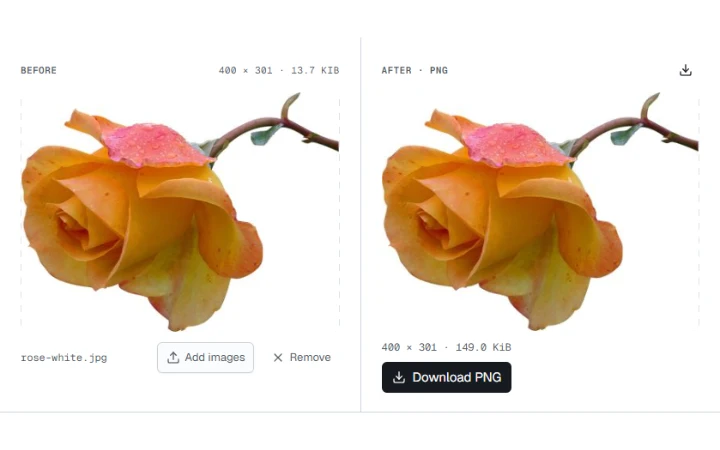
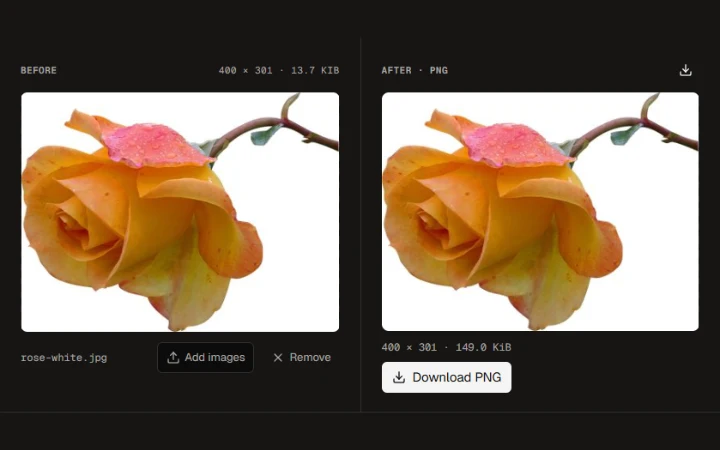
Check the background, file size and dimensions in the two previews.
Save one converted image or export several files together.
Fill the transparent pixels with pale blue and save a JPG at 90% quality.
White fills transparent areas by default. The JPG keeps the original pixel dimensions.
Yellow Rose photograph by Jon Sullivan. Public domain.
More ways to work with images. Free to use in your browser.