Reuse a WebP cutout as a PNG
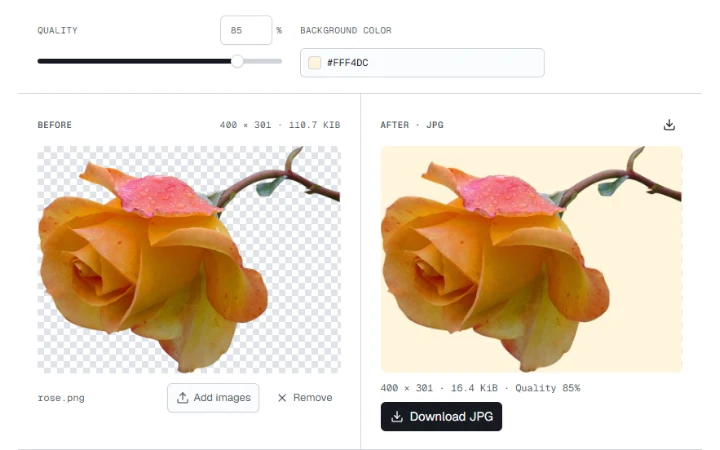
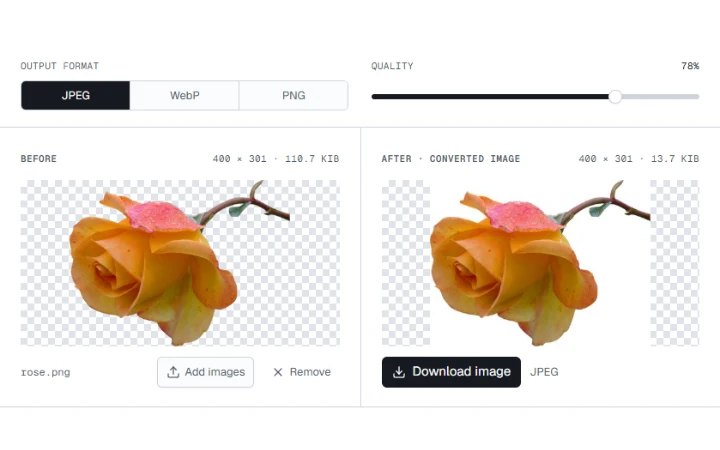
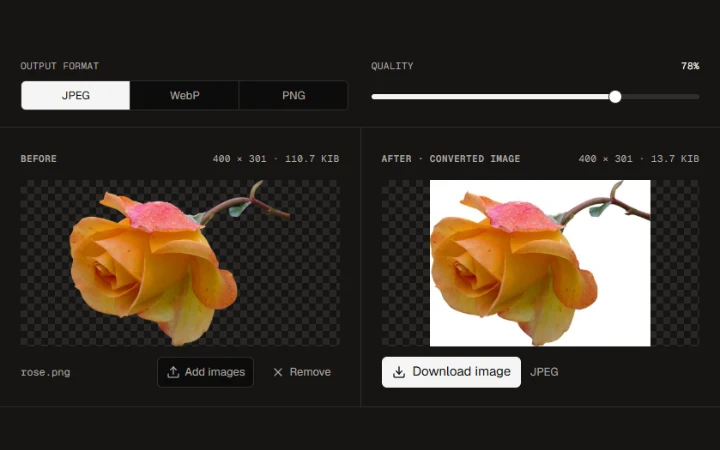
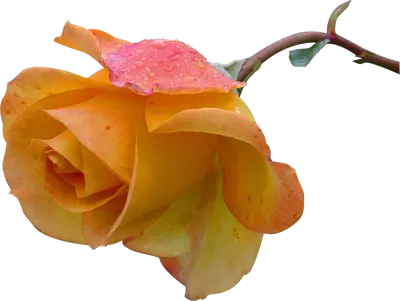
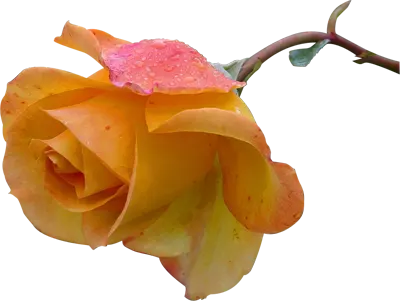
Save the rose as a PNG with the same dimensions and transparent edges.

WebP · Images up to 100 MB each.
Select one or more images to convert.
PNG preserves transparent pixels and keeps the original pixel dimensions. A larger file can be normal.
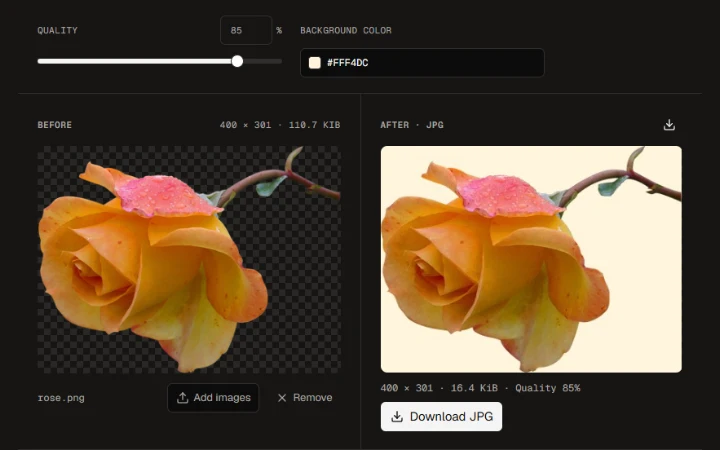
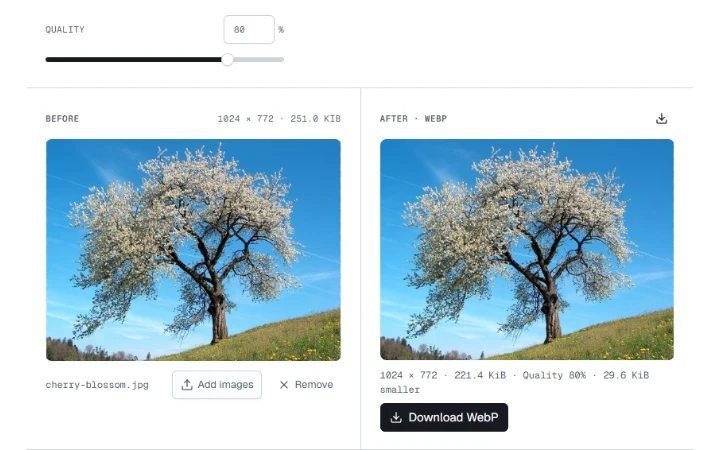
Check the background, file size and dimensions in the two previews.
Save one converted image or export several files together.
Save the rose as a PNG with the same dimensions and transparent edges.
PNG preserves transparent pixels and keeps the original pixel dimensions. A larger file can be normal.
Yellow Rose photograph by Jon Sullivan. Public domain.
More ways to work with images. Free to use in your browser.