Crop a square photo
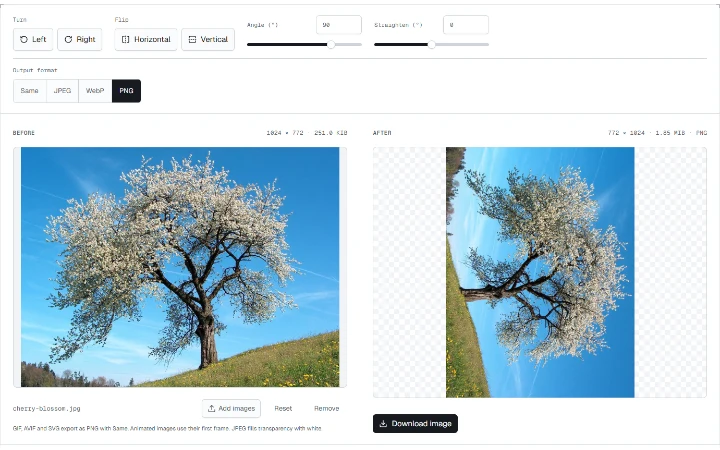
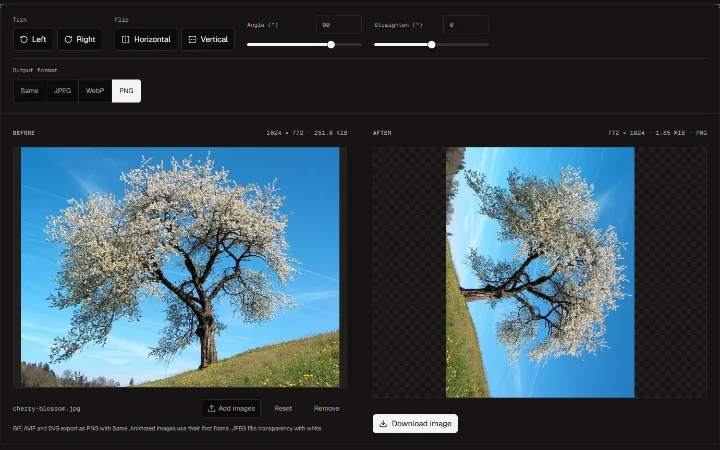
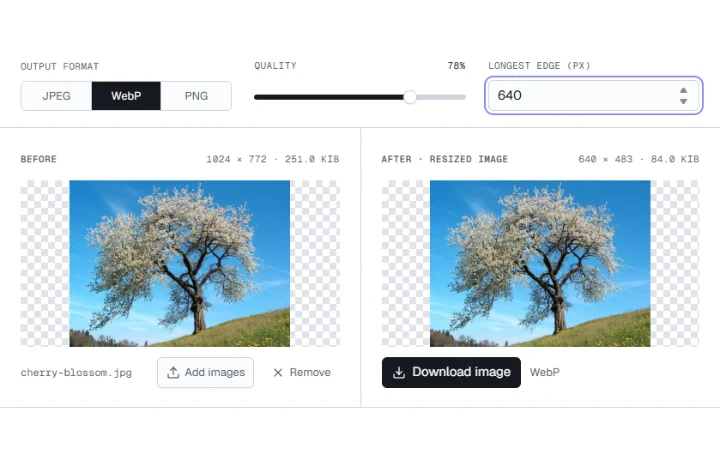
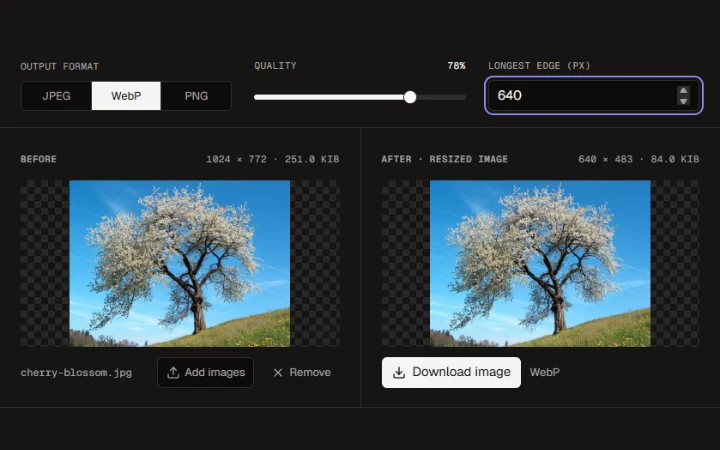
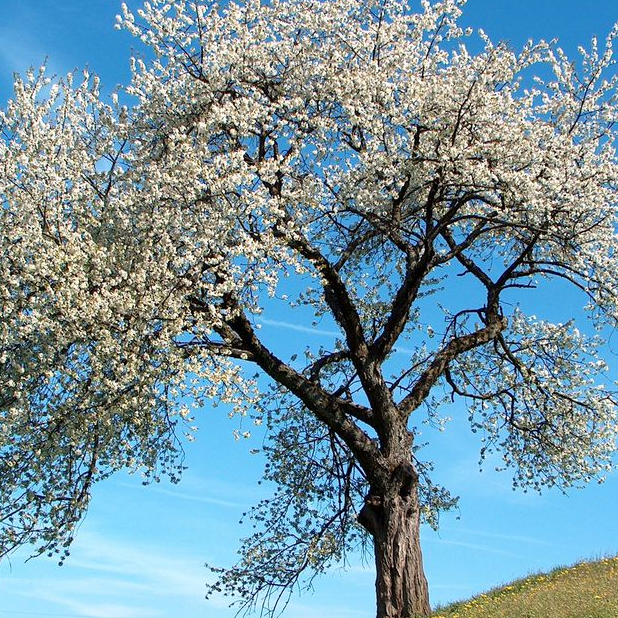
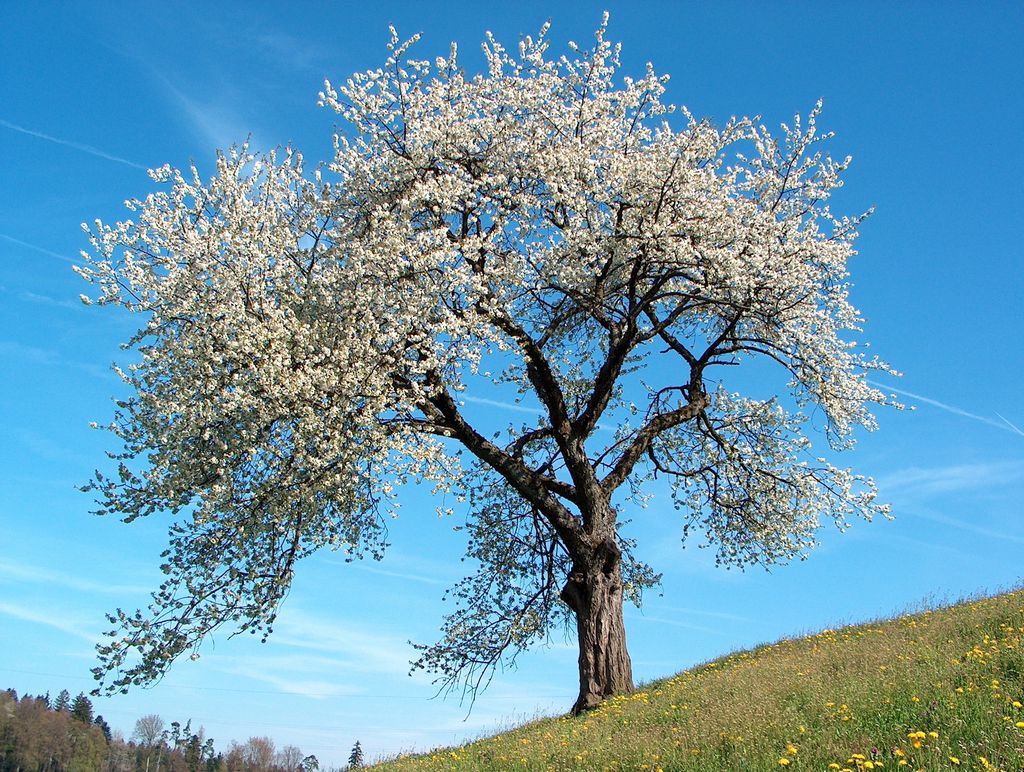
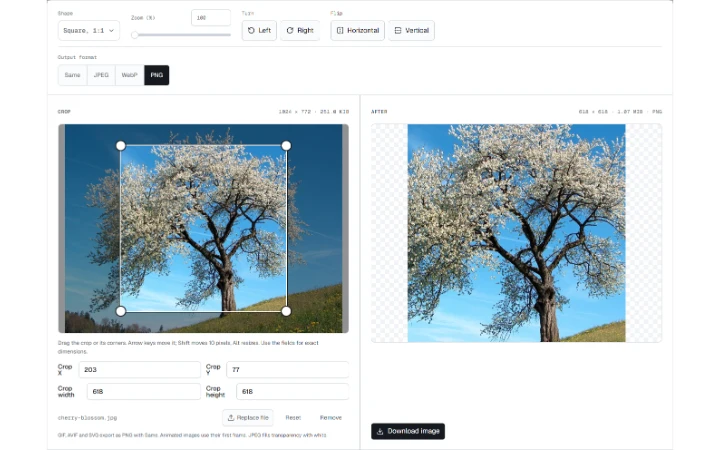
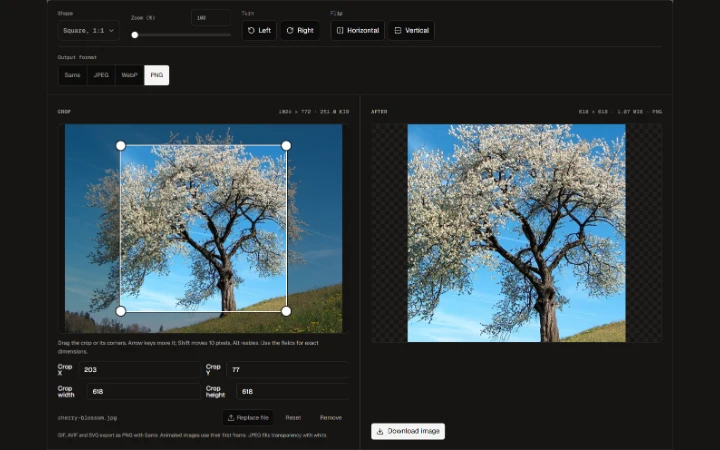
Choose Square, 1:1 for the cherry photograph and download a square PNG.

One image, up to 100 MB.
Choose or drop a file
Crop a photo to a free rectangle, circle or common aspect ratio.
Move or resize the selection, zoom in and export at the original pixel resolution.
Choose PNG or WebP for transparency, or JPEG for an opaque image.
Choose Square, 1:1 for the cherry photograph and download a square PNG.
Move or resize the selection, zoom in and export at the original pixel resolution.
Wild cherry photograph by Benjamin Gimmel. Photo and resized or re-encoded examples licensed under CC BY-SA 3.0.
Yellow Rose photograph by Jon Sullivan. Public domain.
More ways to work with images. Free to use in your browser.