Fit a field photo into a 640 px article card
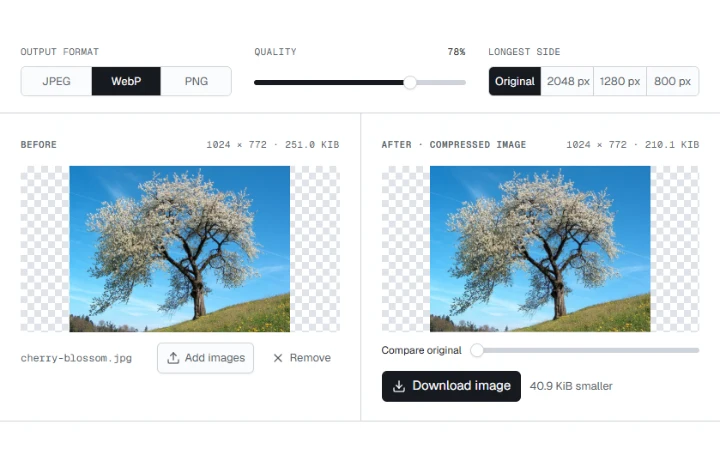
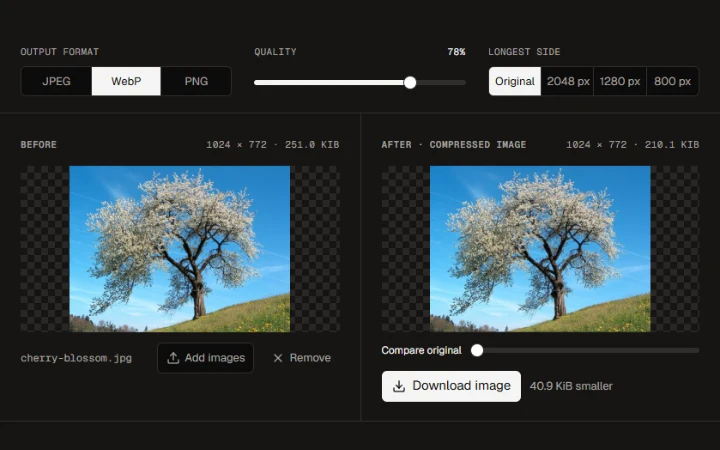
Set the longest edge to 640 px. The flowering tree fits a landscape card at 640 × 483 px with the entire crown in frame.
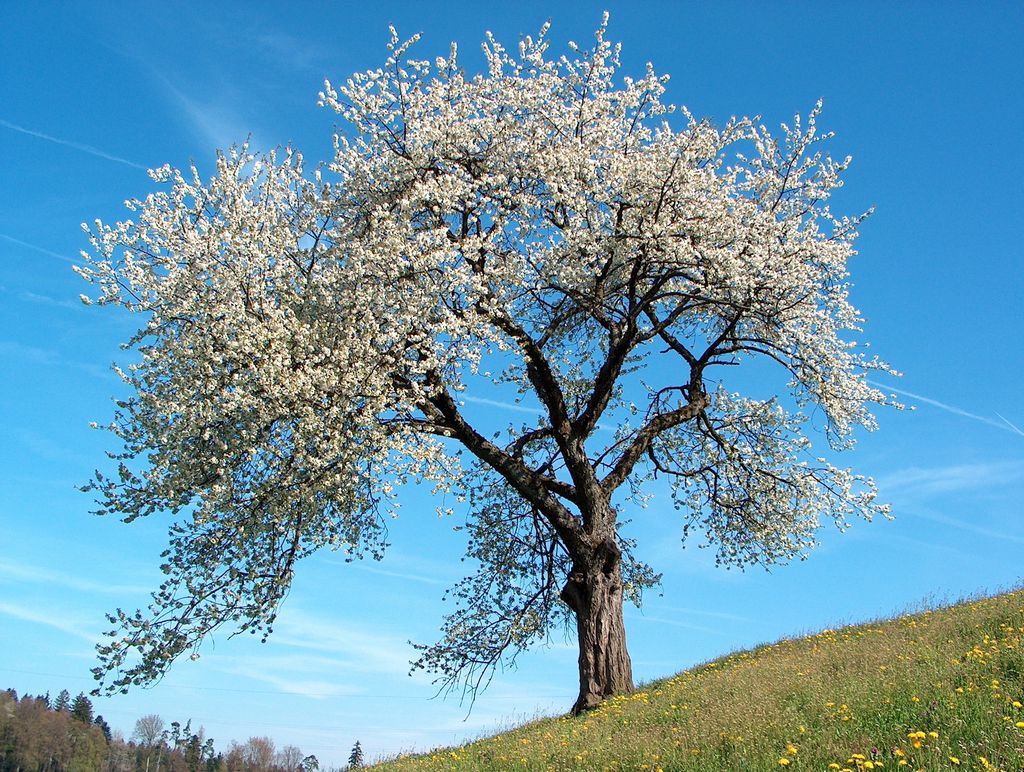
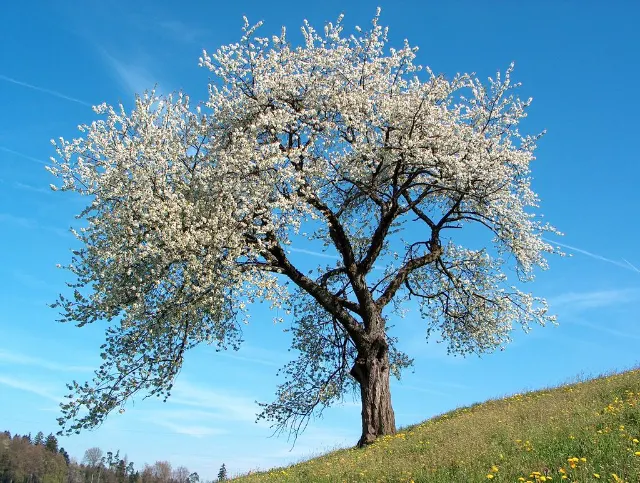

Set the longest edge in pixels and resize your images together. Each image keeps its proportions.
Opening workspace…
Drop one photo or select a batch.
Set the longest edge between 1 and 8192 pixels.
Compare the measured width and height before and after resizing.
Choose the output format and download the image or the batch.
Set the longest edge to 640 px. The flowering tree fits a landscape card at 640 × 483 px with the entire crown in frame.
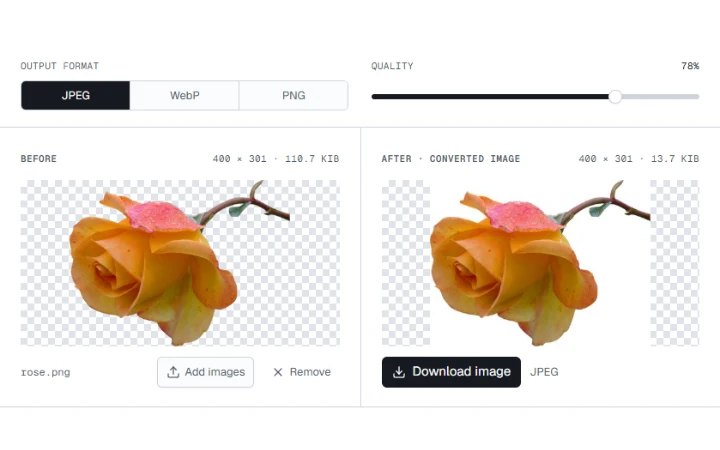
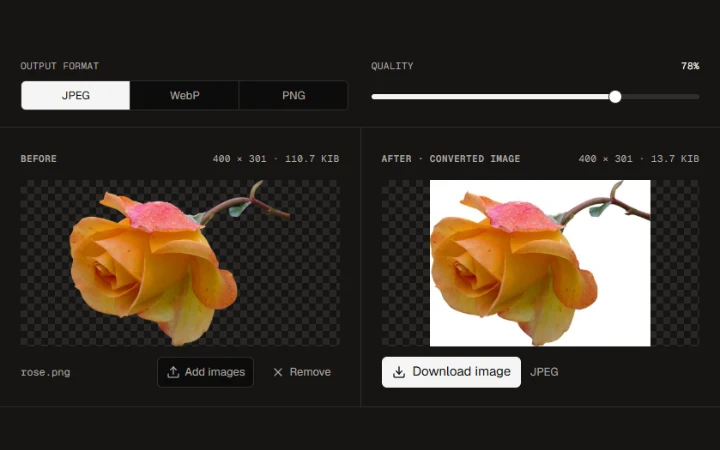
Fit the rose into a 96 px product slot. The 96 × 72 px PNG keeps the transparent edges and the original proportions.
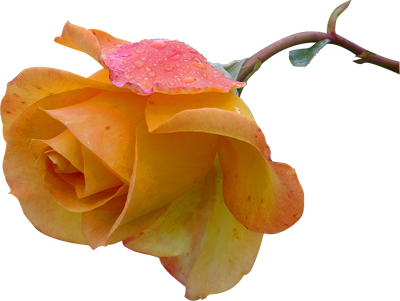

Enter a longest edge between 1 and 8192 pixels. Smaller originals keep their dimensions. Each output shows its actual width and height.
Wild cherry photograph by Benjamin Gimmel. Photo and resized or re-encoded examples licensed under CC BY-SA 3.0.
Yellow Rose photograph by Jon Sullivan. Public domain.
More ways to work with images. Free to use in your browser.