Turn a photo upright
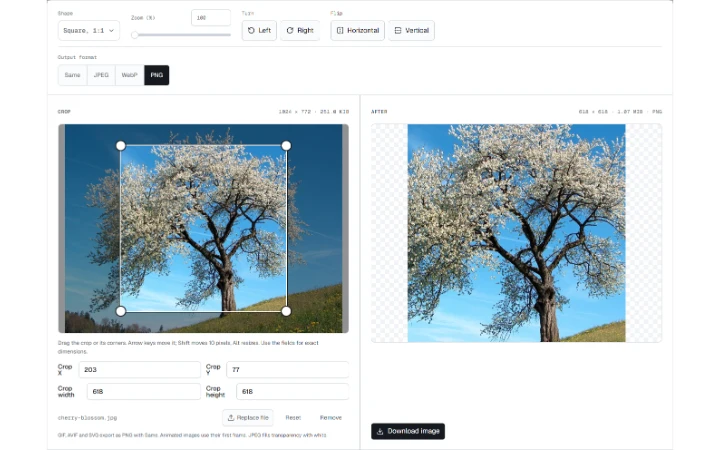
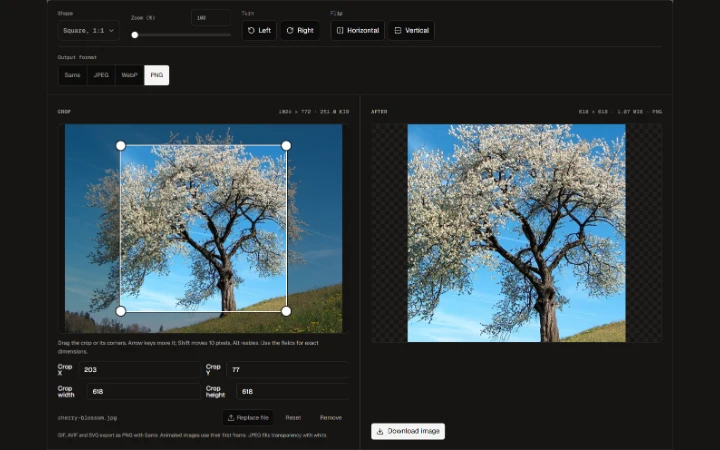
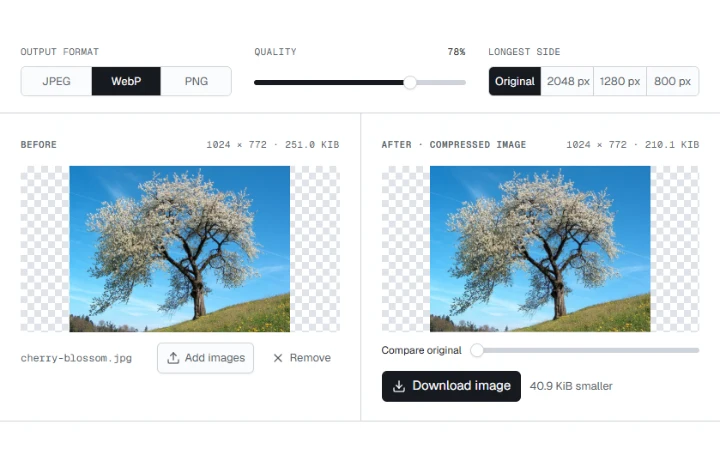
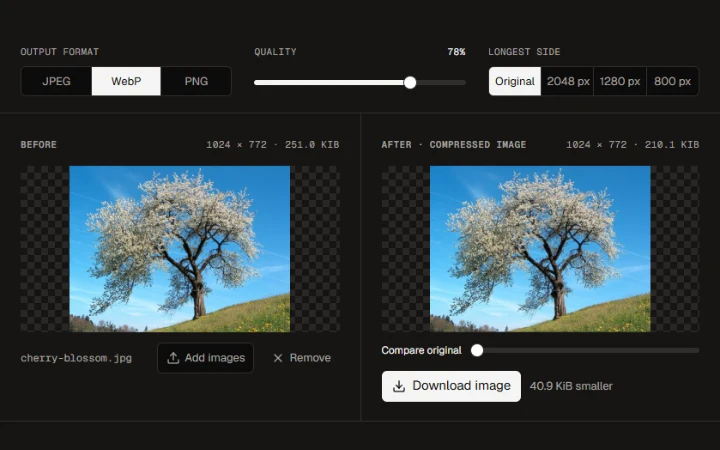
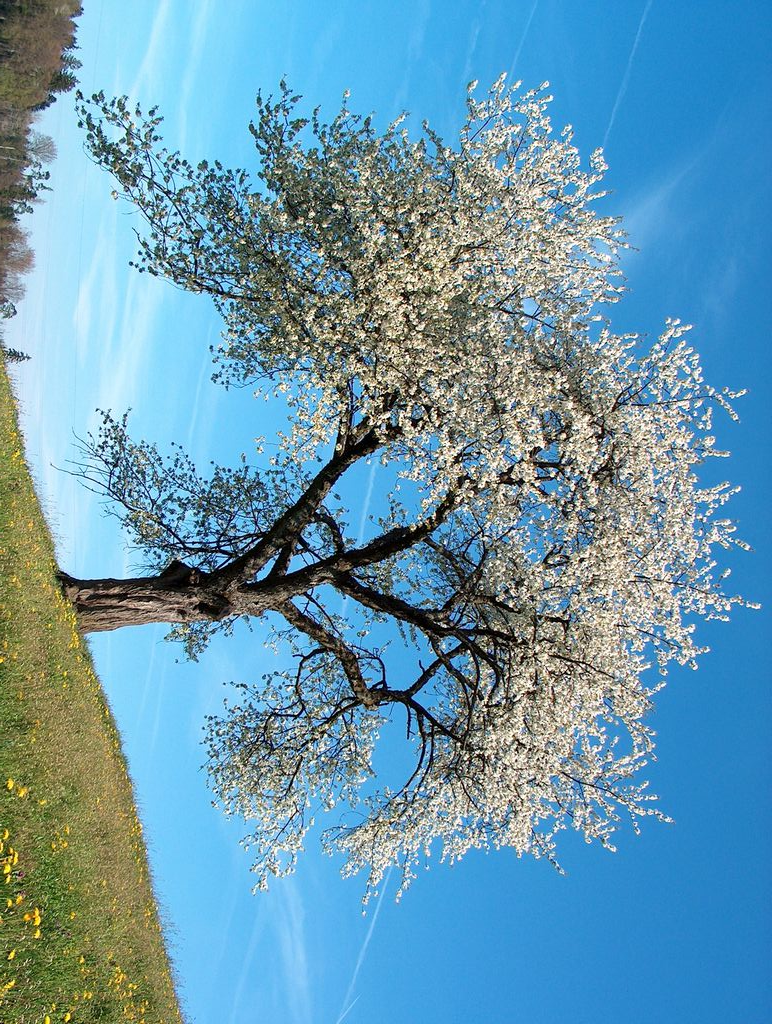
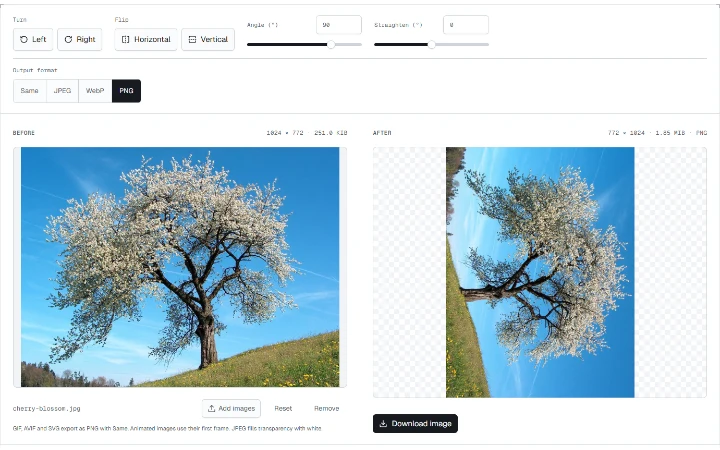
Rotate the cherry photograph 90° right. The result measures 772 × 1024 pixels.

Images up to 100 MB each.
Drop one photo or select a batch.
Rotate, straighten or mirror one image or a batch.
Use a 0.1° angle, expand the canvas or crop the corners, then download an image or ZIP.
Save one result or download the completed batch as a ZIP.
Rotate the cherry photograph 90° right. The result measures 772 × 1024 pixels.
Use a 0.1° angle, expand the canvas or crop the corners, then download an image or ZIP.
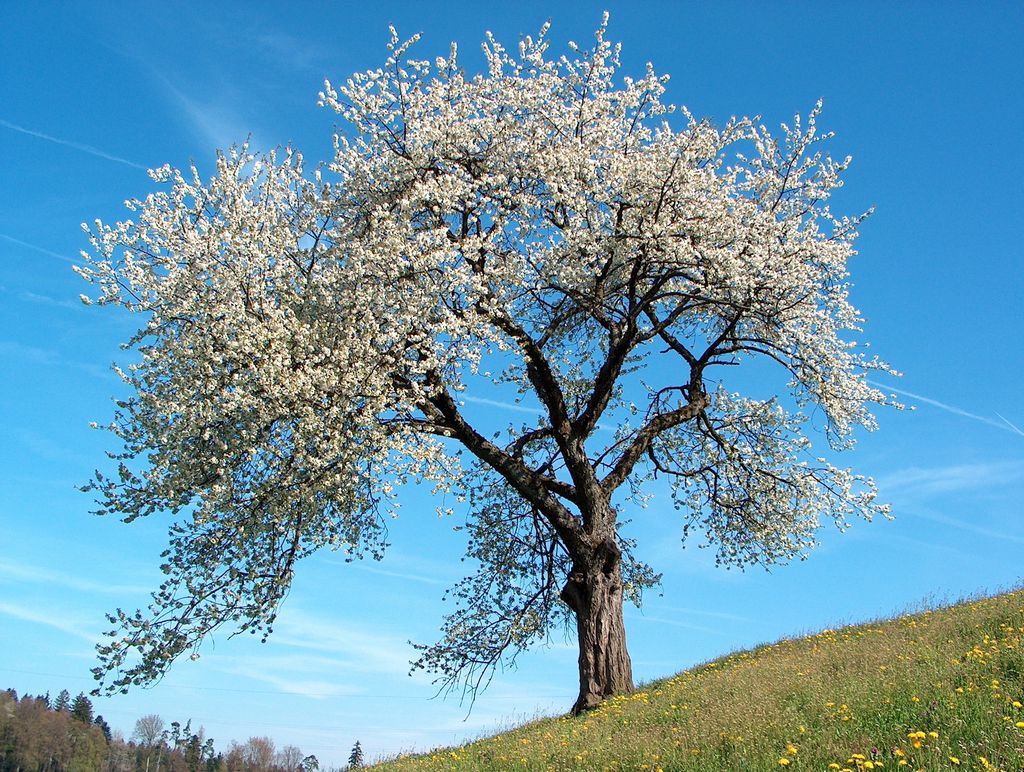
Wild cherry photograph by Benjamin Gimmel. Photo and resized or re-encoded examples licensed under CC BY-SA 3.0.
Yellow Rose photograph by Jon Sullivan. Public domain.
More ways to work with images. Free to use in your browser.